How to Install the GoSellerGo Chrome Extension
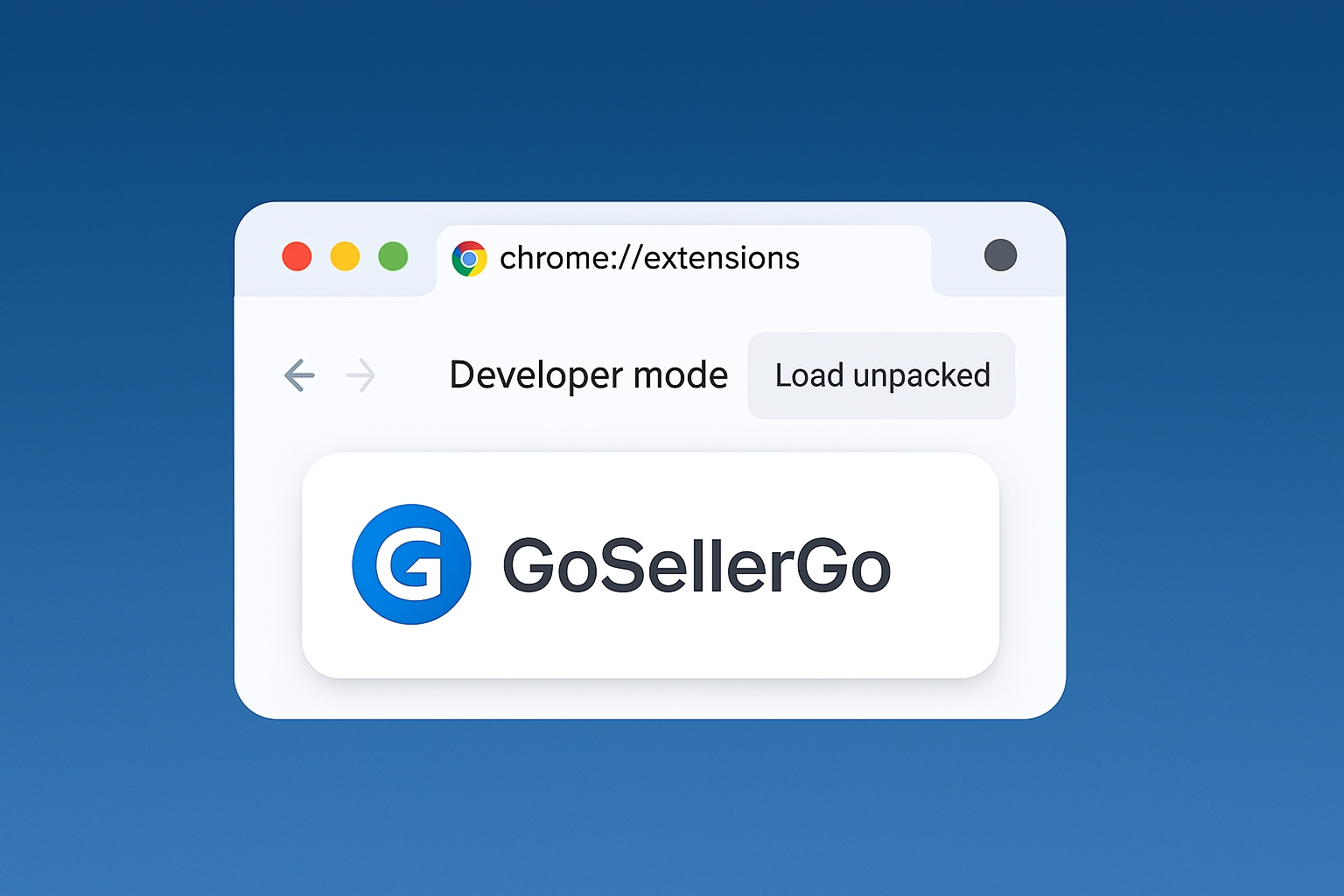
The GoSellerGo Chrome extension brings your GoSellerGo account into the pages you already browse. On Amazon it shows real profit for any product; on eBay it finds the same item on Amazon; on Walmart and Temu it captures product pages for your research. This guide shows how to install the latest version and connect it to your account.
What the extension does
- Profit on every Amazon product page: Buy Box price, real Amazon fees, profit, ROI and 30-day price and rank history.
- Product scanner: scans up to 400 Amazon search pages and keeps only the products that match your filters.
- Watchlist: save products to your GoSellerGo watchlist with one click.
- Product research report: order an AI research report for any Amazon product.
- eBay → Amazon: on an eBay item page, find the same product on Amazon with its price and a rough profit. If it is your own eBay listing, link the Amazon product as its source.
- Purchase assistant: fills in your dropship purchases. The item is always delivered to your own warehouse or 3PL, never straight to your customer, and you press the final buy button yourself.
- Product snapshot: capture a Walmart or Temu product page as a starting point for your own product.
Before you start
- A GoSellerGo account. The download is only available after you log in.
- Google Chrome on a computer (version 116 or newer).
Step 1: Download the latest version
- Log in to GoSellerGo.
- Open the profile menu in the top right corner and choose Chrome extension, or go straight to the extension page.
- Click Download. You get a single .zip file with the version number in its name.
- Unzip it into a folder you will keep, for example Documents/GoSellerGo extension. Do not delete this folder: Chrome loads the extension from it.
Step 2: Turn on Developer mode in Chrome
- Type chrome://extensions in the address bar and press Enter.
- Turn on Developer mode in the top right corner.
Step 3: Load the extension
- Click Load unpacked.
- Choose the folder you unzipped in Step 1 (the folder that contains the manifest.json file).
- The GoSellerGo icon appears next to the address bar. Click the puzzle icon and pin GoSellerGo so it is always visible.
Step 4: Connect it to your account
The extension never asks for your GoSellerGo password. It connects with a one-time code instead.
- Go back to the extension page. If the page sees the extension in this browser, click Connect the extension now and you are done.
- Otherwise click Create code, open the extension from the toolbar and enter the 6-digit code. The code works once and expires in 15 minutes.
- The browser now appears under Connected devices.
Step 5: Start using it
- Open any Amazon product page: the profit panel opens on the page.
- On an Amazon search page, use the GoSellerGo button in the bottom right corner to start a scan.
- On an eBay item page, click the GoSellerGo button and choose Compare with Amazon.
- On Walmart and Temu product pages, the button offers a product snapshot.
Updating to a new version
- Download the new .zip from the extension page. The extension also tells you when a newer version is available.
- Unzip it into the same folder as before and replace the old files.
- On chrome://extensions, click the reload icon on the GoSellerGo card.
If you unzip the new version into a different folder, load that folder with Load unpacked, remove the old card, and connect again with a new code.
Removing a device
On the extension page, under Connected devices, click Disconnect next to any browser. That browser loses access immediately.
Privacy and safety
- The extension never sees or stores your GoSellerGo password.
- It never places an order by itself — you always press the final buy button.
- For dropship purchases it fills in your warehouse address, not your customer's address.
- You can disconnect any device at any time.